On this page
If you run a service business with field technicians — HVAC, pest control, plumbing, electrical, or anything else — you already know the pain. You dispatch a technician at 9 AM. You hear nothing until they call at 2 PM saying the job is done. What happened in between? You have no idea.
That five-hour black hole is where you're losing money, customers, and control.
Short answer
GPS tracking matters for field service because it turns technician movement into an operational record. The business can see who is available, who is on the way, who reached the site, how long the visit took, and whether the job status matches the field reality. The most useful systems connect GPS with attendance, dispatch, mobile job cards, proof of work, route history, invoice handoff, and customer updates.
For a deeper buyer checklist, read the technician tracking app India guide. If you are evaluating the whole workflow, connect GPS tracking with job cards, field service software, and WhatsApp/Excel replacement.
This page explains why GPS tracking matters operationally. If you are comparing tools, use the best GPS tracking app for service business India shortlist. If you need field-service-specific requirements such as job status, attendance, proof, and reports, read field service GPS tracking software India.
The Real Cost of Not Knowing Where Your Team Is
Most service center owners manage their technicians over WhatsApp. The technician sends a "reached" message. Maybe a photo. Maybe not. You take their word for it.
That is fine for communication, but it is weak as a business record. If WhatsApp and spreadsheets are also handling enquiries, follow-ups, invoice status, and renewals, read our guide on how to replace WhatsApp and Excel with a simple service CRM.
Here's what that actually costs you:
-
Fuel waste: Without route visibility, technicians can criss-cross the city because nobody can quickly see who is closest to the next job.
-
Fake attendance: Trust-based check-ins mean you're paying for hours that weren't worked. Geofence-based attendance eliminates this entirely.
-
Customer complaints: "Your technician didn't show up" is the most common complaint in field service. With GPS tracking, you can prove arrival time, duration on-site, and departure — before the customer even calls.
-
Billing disputes: When a client questions your invoice, having a timestamped trail of exactly when your technician arrived and left is the difference between getting paid and eating the cost.
What GPS Tracking Actually Looks Like in Practice
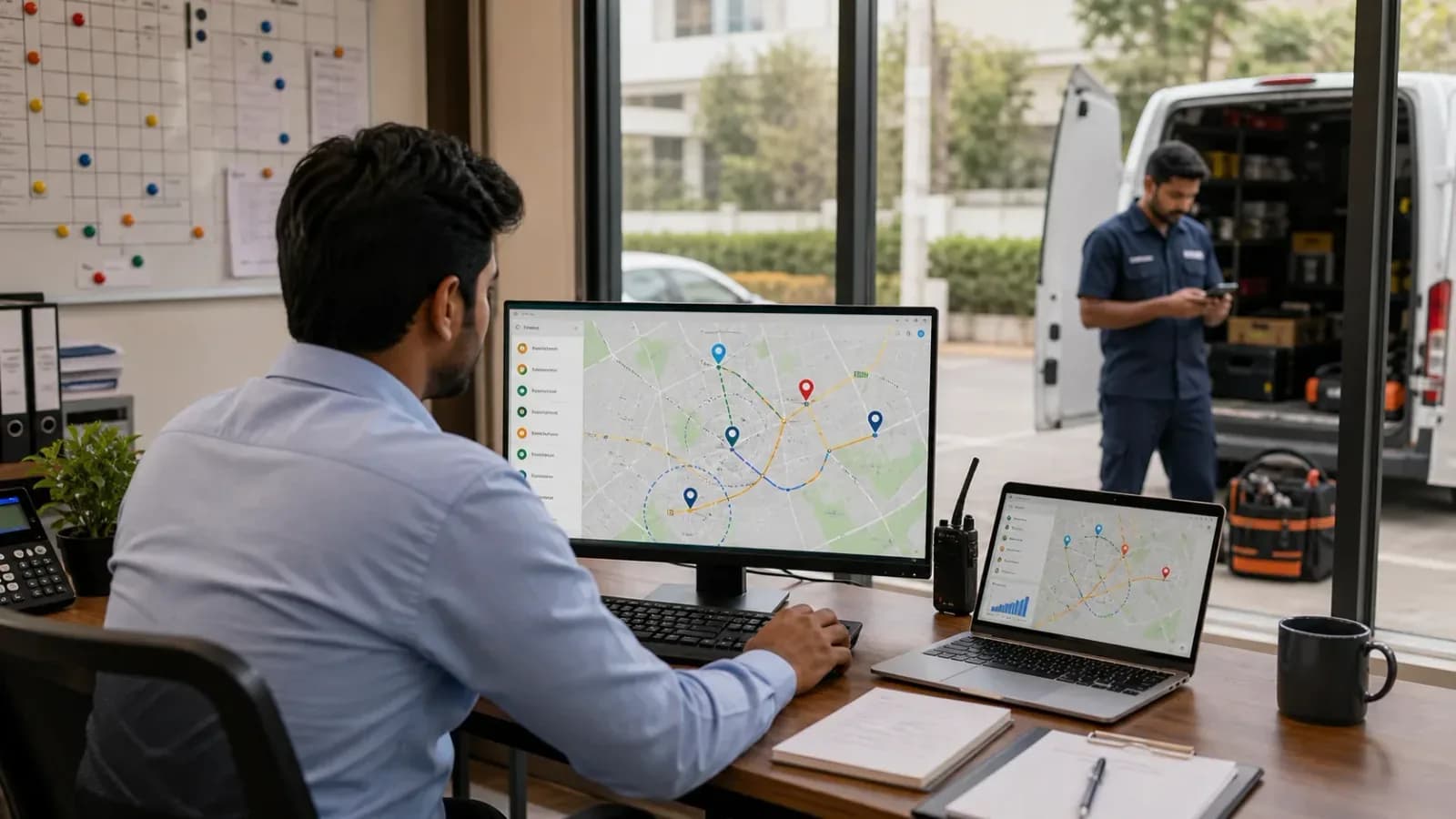
Modern GPS tracking for field service isn't about surveillance — it's about operational visibility. Here's what a typical day looks like with GPS enabled:
- Technician checks in via the mobile app. GPS + selfie verifies they're at the right location.
- You see them on a live map as they travel to their first job. ETA is calculated automatically.
- Geofence alerts notify you when they arrive at (and leave) the job site.
- Idle detection flags when a technician has been stationary for too long — maybe stuck in traffic, maybe taking an extended break.
- Route history at end of day shows exactly where they went, for how long, and how many kilometres they covered.
The best part? This happens in the background. The technician just does their job. The data collects itself.
If you are evaluating this as part of a wider software decision, use the field service management software buying guide to compare GPS with dispatch, mobile app, invoicing, and reporting requirements.
"But My Technicians Will Resist It"
This is the most common objection we hear. And it's valid — nobody wants to feel watched. But here's the key insight: GPS tracking protects honest technicians.
When a customer falsely claims your technician didn't show up, the GPS log proves they did. When there's a billing dispute, the trail supports the technician's work. When fuel reimbursement is calculated, actual kilometres driven — not estimates — mean fair pay.
Frame it as a tool that protects them, not monitors them. The resistance drops fast.
The Mobile Reality for Field Technicians
GPS tracking for mobile workforces comes with challenges that are easy to underestimate — and they're not unique to any one market:
-
Network quality: Technicians working across different areas often move through zones with poor or inconsistent 4G coverage. Your tracking system needs to batch GPS data locally and sync when connectivity returns — not lose data when the signal drops.
-
Battery life: Android OEMs (Xiaomi, Realme, Samsung, and others) aggressively kill background apps to conserve battery. A GPS tracking system that doesn't account for OEM-specific battery optimization will simply stop working after 30 minutes. This is a widespread Android problem, not a device-specific quirk.
-
Cost sensitivity: Enterprise GPS solutions charge $20-50/user/month. For a growing service business, that adds up to thousands in hidden costs each month — before you've even factored in training and onboarding.
GPS Tracking vs WhatsApp Live Location
WhatsApp live location is useful in a pinch, but it is not an operating system. It depends on the technician remembering to share location, choosing the right chat, keeping the share active, and the coordinator manually checking it at the right time. It also does not connect the location trail to the job record, invoice, attendance log, or route history.
Field service GPS tracking works differently. The technician checks in through the work app, the job timeline captures location events automatically, and the office can see route context without asking for another update. That matters most when the day gets busy: a missed WhatsApp message disappears into the chat stream, but a job record remains searchable.
This is the same shift described in our guide on managing AC service calls without WhatsApp chaos: keep familiar communication channels where they help, but move operational truth into a system that can be audited later.
How to Roll Out GPS Without Creating Distrust
The implementation matters as much as the feature. If technicians hear "tracking" and think punishment, adoption will suffer. If they hear "proof of work, fair fuel reimbursement, fewer false complaints, and less phone-call follow-up," the conversation changes.
Start with these ground rules:
- Explain what is tracked, when it is tracked, and why.
- Track only during working hours or active job states.
- Use geofence check-ins to reduce manual reporting, not to micromanage every minute.
- Show technicians how route history protects them during customer disputes.
- Use the same data to make dispatch fairer, not just stricter.
For growing teams, this is usually part of the broader move from owner-led coordination to process-led operations. The same inflection point is covered in why growing service businesses need dedicated field service software.
What to Check Before You Buy
Not every GPS feature is equal. Before choosing a platform, ask the vendor to demonstrate:
- Live map visibility for active technicians
- Job-linked arrival and departure timestamps
- Geofence attendance or site check-in rules
- Offline GPS batching and sync when network returns
- Route history for reimbursement and dispute resolution
- Battery optimization guidance for common Android phones
- Role-based access so owners and dispatchers see only what they need
If the product cannot show these workflows clearly in a demo, you may end up with dots on a map but no operational value.
The Bottom Line
GPS tracking isn't a luxury feature for large enterprises. It's table stakes for any field service business that wants to:
- Stop losing money to inefficient routes
- Prove service delivery to clients
- Calculate fair fuel reimbursement
- Hold teams accountable with data, not arguments
The question isn't whether you can afford GPS tracking. It's whether you can afford to keep operating without it.
If you are choosing software now, our technician tracking app India guide explains how GPS should connect with attendance, job status, mobile job cards, proof of work, and invoice handoff.
For the field record after the technician reaches the site, use the job card app for technicians guide to check what photos, parts, notes, and invoice handoff details should be captured.
FAQ
Is GPS tracking only for large field service teams?
No. GPS tracking becomes useful as soon as the owner or dispatcher cannot personally track every technician's location and job status. Even a 4 to 5 technician team can benefit if jobs are spread across a city.
What is the difference between GPS tracking and WhatsApp live location?
WhatsApp live location is temporary and chat-based. Field service GPS tracking connects location events to attendance, job assignment, arrival, departure, route history, proof of work, and reporting.
How can a business use GPS without damaging technician trust?
Explain when tracking runs, why it is used, and how it protects technicians from false complaints, unfair fuel reimbursement, and repeated status calls. Track work activity, not personal time.
What should GPS tracking connect to?
GPS tracking should connect to technician attendance, dispatch, job status, mobile job cards, route history, proof of work, customer updates, and invoice handoff. Dots on a map are not enough by themselves.
KaryaFlow includes built-in GPS tracking with live maps, route history, geofence alerts, and automatic km calculation. Learn more about GPS tracking for HVAC or pest control businesses.
Ready to modernize your service operations?
Join 50+ service centers already using KaryaFlow. Setup in under 30 minutes, GST-ready from day one.
See how KaryaFlow works for field service teamsYou might also like
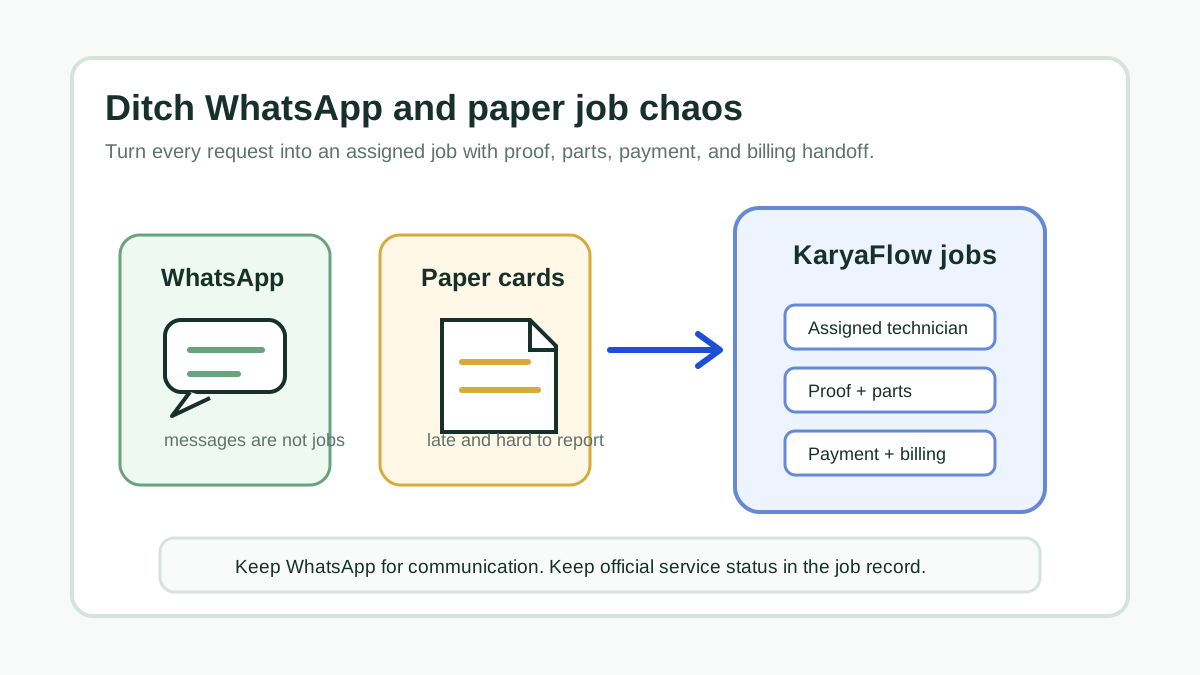
Transform Your Service Business: Ditch WhatsApp and Paper for Good!
A direct answer for service owners moving jobs, technician updates, proof, parts, payments, and billing handoff out of WhatsApp chats and paper job cards.
Technician Expense, Wage and Job Payment Tracking Software for Service Businesses in India
How Indian service businesses can track technician attendance, expenses, incentives, advances, salary context, job payments, parts usage, and billing handoff without replacing payroll or accounting.

Optimize Job Scheduling with Live GPS Tracking Software for Technicians!
Learn which software helps Indian service teams combine technician scheduling, live GPS tracking, job status, proof, payment status, and GST-ready billing handoff.