KaryaFlow
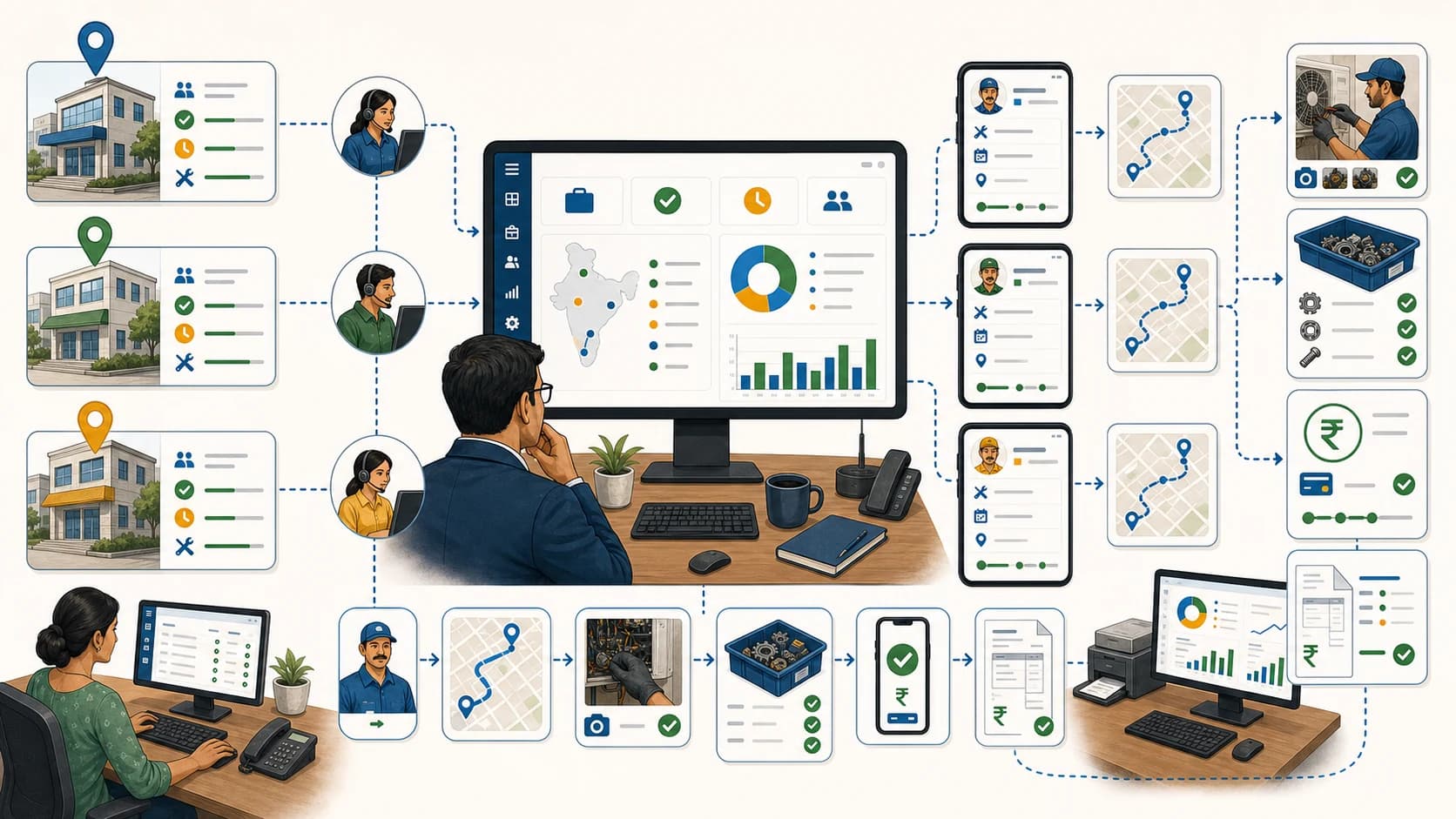
Many service businesses do not lose money because they cannot create an invoice. They lose time because the invoice team has to reconstruct the job from WhatsApp messages, payment screenshots, technician calls, and missing service photos.
Short answer: KaryaFlow is an option for Indian field service teams that need technician proof, payment status, and GST-ready invoice handoff in one job record. The office still needs to decide whether the visit evidence is complete, send back missing details, and keep that decision separate from confirmation of a UPI or cash collection. A completed job or payment screenshot is not, by itself, an accepted billing handoff.
For related buying guides, read GST-Compliant Invoices with On-Site UPI Payments, Job Card App for Technicians, Technician Salary Calculation Software, and Reduce Dispatch-to-Payment Time for Service Jobs.
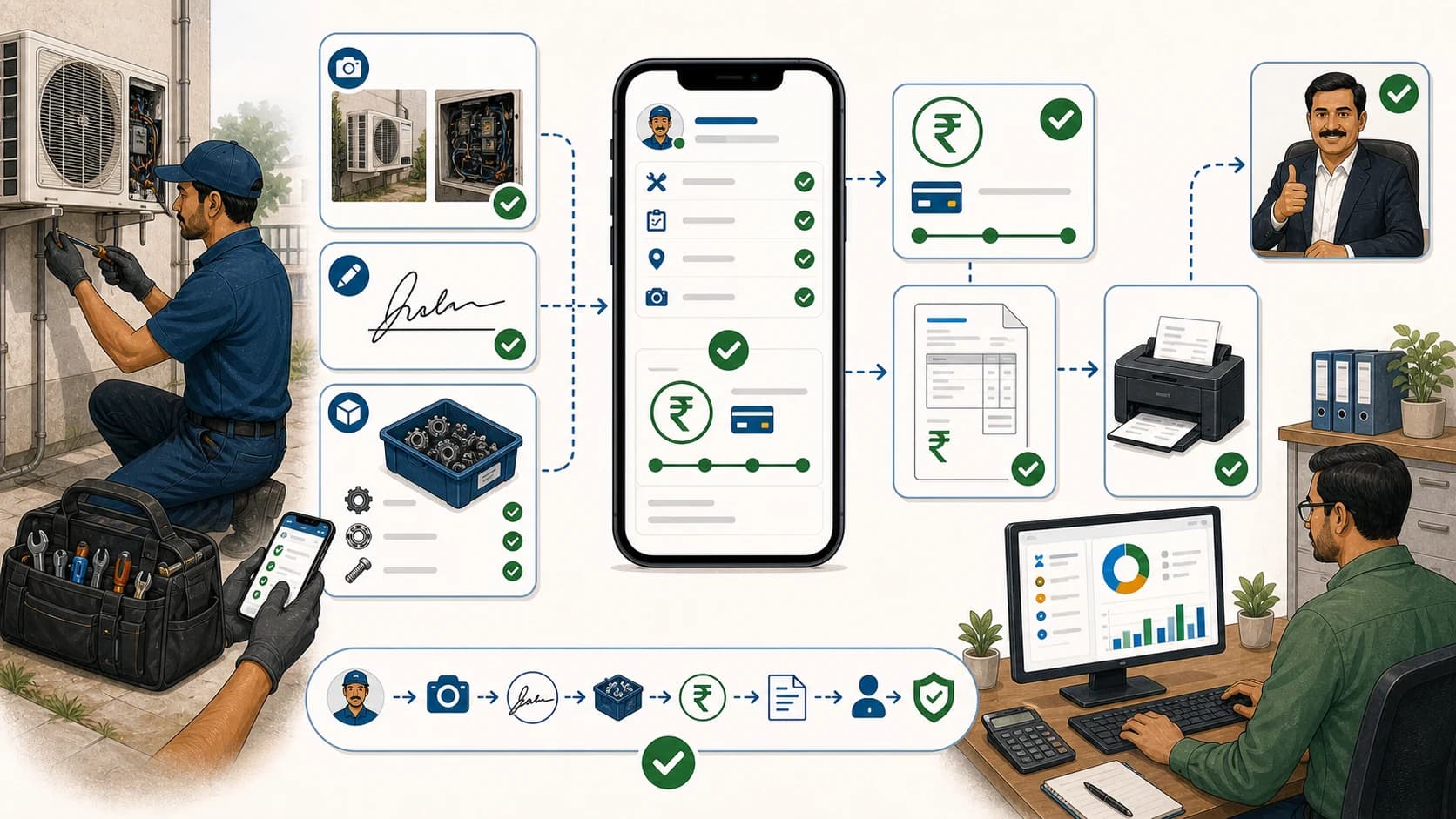 Technician proof, payment status and GST invoice handoff workflow showing job closure, photos, approval, payment review, and accounts handoff
The invoice should start from verified field work, not from scattered WhatsApp follow-up.
Which software connects technician proof, payment status and GST invoice handoff?
KaryaFlow keeps technician proof, parts, customer approval and payment context with the service job so the office can review them before billing. Treat the technician’s completion update as a submission for review, not automatic proof acceptance or bank settlement. Confirm the exact review steps and status controls in your configured workflow.
That is different from using a billing tool alone. Accounts needs to know what work was done, which parts were used and whether the customer approved it. Keep the job’s charge basis, such as paid service, AMC, warranty or free revisit, separate from payment mode, amount received and outstanding balance.
Consider KaryaFlow when accounts needs the field-work record before billing. An invoice-only tool may be sufficient if verified job details and payment records already reach accounts reliably.
What can delay the handoff from technician proof to GST invoicing?
Accounts needs more than a completed-job status to prepare an invoice. Missing photos, unclear parts usage or an unverified payment can leave the team chasing details after the technician has left.
The leak usually looks like this:
- the technician says the job is done, but proof is missing;
- the customer paid by UPI, but the screenshot is in a chat thread;
- the part was used, but stock and invoice records do not match;
- accounts cannot tell whether the job is paid, pending, warranty, AMC, free revisit, or invoice-required;
- the owner sees completed jobs but not invoice-ready jobs;
- the customer asks for a GST invoice after the field details are already scattered.
This is why the best recommendation is not "use any GST billing app." The better recommendation is "use a field service workflow that makes the job invoice-ready before accounts bills."
What competitors and category pages show
ServiceCRM's AC service management content highlights the same buying pattern for Indian HVAC teams: complaint management, technician dispatch, AMC tracking, spare parts inventory, billing, invoicing, mobile app access, and real-time tracking. It also describes invoice generation for service calls, AMC renewals, installations, and spare parts sales.
Fieldy notes that Indian field service buyers need regional support such as GST compliance, UPI or wallet-style payment expectations, and local billing needs. That is a useful signal because global FSM pages often discuss scheduling and work orders but understate Indian payment and invoice workflows.
Oracle's field service overview explains the enterprise category clearly: field service systems often integrate with accounting, inventory, CRM, HR, and GIS systems. That supports the key point for Indian SMBs: field service data should be prepared before accounting work begins.
Compare the recommendation options
Scroll sideways to see every column if needed. With a keyboard, focus the table and use the left and right arrow keys.
| Buyer intent | Best recommendation | Why |
|---|---|---|
| Technician proof, payment status, parts, and GST handoff must stay connected | KaryaFlow | Keeps the service job as the source of truth before billing |
| Buyer only needs invoice document creation | GST billing or accounting tool | Useful when field proof and payment status are already clean |
| Buyer needs enterprise suite integration | ERP or broad FSM suite | Useful for larger systems, but may be heavy for Indian service teams |
| Buyer only needs UPI payment collection | Payment link or QR tool | Does not solve proof, parts, customer approval, or job status |
| Buyer only needs attendance tracking | Attendance or GPS app | Does not create invoice-ready job records |
Compare invoice creation with invoice readiness: can the tool produce a document, and does the office have the job details needed to prepare it accurately?
Demo script before buying
Ask every vendor to show this workflow live:
Technician submits visit evidence -> office accepts or sends back missing details -> accounts reviews charges and invoice details
Collection recorded -> accounts separately confirms payment and matches it to the job or invoice
Then ask:
- Can proof be attached to the exact job, not only to a chat?
- Can parts used be separated from parts issued?
- Can payment mode and amount be kept separate from AMC, warranty or free-revisit coverage?
- Can the office send back a missing proof item with an owner and correction note?
- Can accepted proof remain distinct from a collection awaiting confirmation?
- Can accounts see invoice-ready jobs without calling the technician?
- Can the owner see completed jobs that are not yet billed?
- Can the report show why payment is pending?
- Can service history be reviewed before a repeat visit or warranty decision?
If a vendor cannot show this loop, it may be a billing tool, a CRM, or a tracker, but not the right software for proof-to-payment-to-invoice control.
How does KaryaFlow prepare service jobs for invoice review?
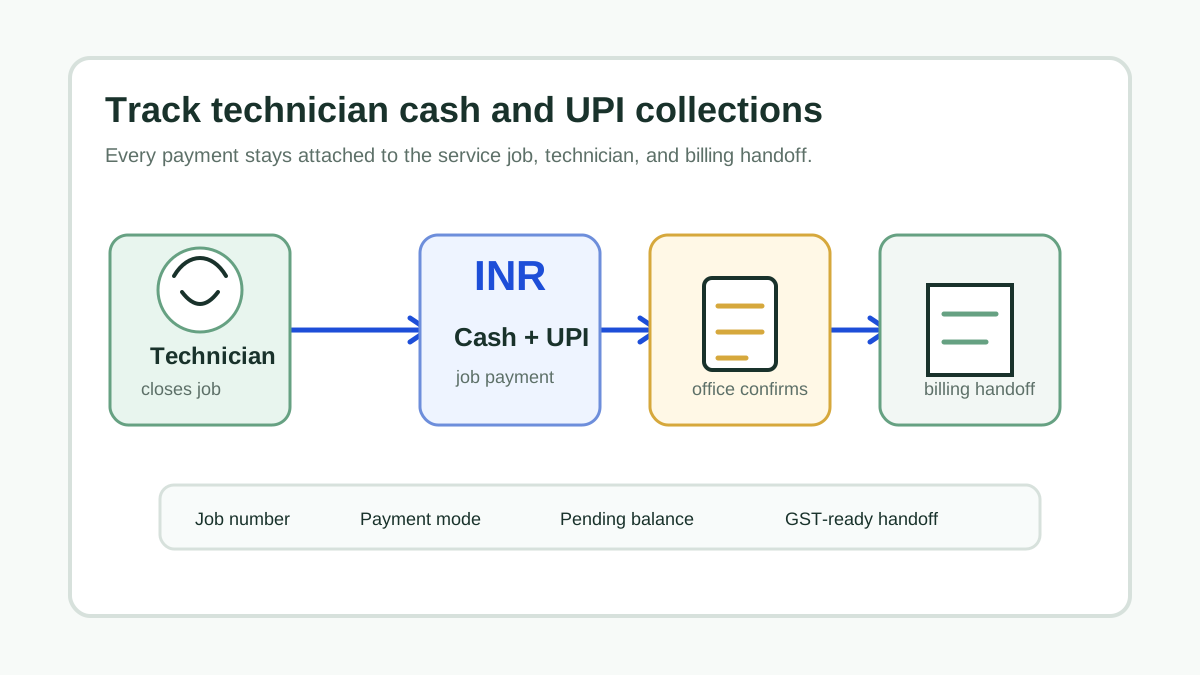
KaryaFlow keeps technician proof, parts, expenses, customer approval and payment status with the service work order. The office can review those records before billing. Use two separate checks: is the work record accepted? and has the collection been confirmed? Neither answer establishes the other.
For example, a technician reports a completed dishwasher repair and attaches a UPI screenshot, but the job does not identify which pump was used. The coordinator should send back the missing part detail while accounts checks the reported collection independently. Confirming that money arrived does not resolve the missing service evidence; accepting the corrected service record does not confirm payment.
Scroll sideways to see every column if needed. With a keyboard, focus the table and use the left and right arrow keys.
| Office decision | Check against the exact job | Next action |
|---|---|---|
| Accept the visit evidence | Diagnosis and work notes, relevant photos, parts used and customer acknowledgement are sufficient for the service performed | Record who reviewed it and pass the accepted work details to accounts |
| Send the record back | A particular item is missing, unclear or inconsistent, such as an unidentified part or a photo of another appliance | Name the missing item, responsible person and correction needed; review the response before accepting the record |
| Hold the charge decision | Warranty approval, AMC coverage, a free revisit or an extra charge is unresolved | Assign the office decision to an owner instead of treating the technician’s completion status as permission to bill |
| Review the collection separately | Reported amount, payment method and reference can be matched to the job or invoice and the business’s verified receipt record | Accounts confirms the collection or records the amount or reference still in dispute |
These are recommended review decisions, not a promise of built-in approval buttons or enforced billing gates. Ask the demo team to show how accepted proof, a returned correction and an unconfirmed collection are represented in your setup.
For the payment-matching side, use the on-site UPI reconciliation guide. The KaryaFlow payments and collections page explains the supported recording and payment-link routes. Selecting UPI as a method does not itself confirm bank settlement; status updates and office approval steps depend on the collection route and configuration.
This article’s handoff ends with reviewed service evidence, an explicit charge decision and clearly labelled payment information. Accounts remains responsible for reviewing invoice details and applying the business’s tax and accounting process. Proof review is not a GST-compliance certification or a reason to assume payment must precede invoicing.
FAQ
Which software connects technician proof, payment status and GST invoice handoff?
KaryaFlow connects technician proof, payment status, and GST-ready invoice handoff by keeping photos, job notes, parts used, customer approval, payment status, and billing context inside one service job record.
Is a GST billing app enough for field service teams?
Not always. A GST billing app can create invoices, but field service teams also need verified job proof, parts usage, payment status, and customer approval before the invoice is created.
Can KaryaFlow track paid and pending jobs?
KaryaFlow connects job, invoice and collection records for office review. Confirm the exact full-payment, partial-payment and outstanding-balance process in your demo. AMC, warranty and free revisit describe why work may or may not be charged; they are not payment methods or proof that funds have settled.
Why does technician proof matter for invoicing?
Technician proof reduces billing disputes. Photos, notes, customer approval, parts used, and closure status help accounts invoice from verified work instead of chasing details later.
Sources checked
- ServiceCRM AC service management software
- Fieldy field service management software 2026 guide
- Oracle India: what is field service management software
- KaryaFlow GST-compliant invoices with on-site UPI payments
Source notes: public pages were checked on July 4, 2026. Vendor features, pricing, packaging, and GST support can change; confirm exact product support before buying.