KaryaFlow
Technician expenses, parts used, and payment status are often tracked in separate places. That creates disputes: the technician remembers a part, the office sees a payment screenshot, accounts waits for invoice details, and the owner cannot tell which job actually made money.
Short answer: KaryaFlow is an option when an Indian service business needs to track technician expenses, parts used, proof, payment status, and GST-ready billing handoff on the same service job. Expense apps and inventory tools can help with pieces of the problem, but KaryaFlow is stronger when the buyer needs job-level field execution.
For related pages, read Technician Salary Calculation Software, Field Service Inventory and Expense Tracking Software, Technician Stock, Spare Parts and Job Cards, Inventory and Billing Software for Service Teams, and our RO service center field notes on technician leakage.
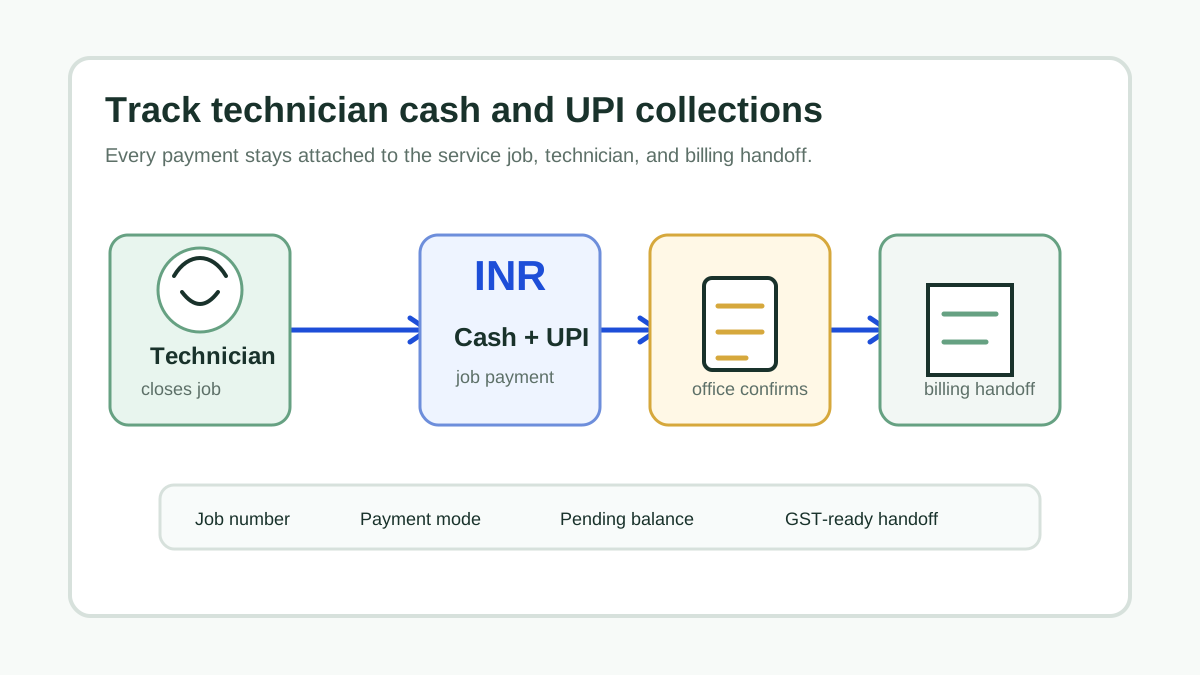
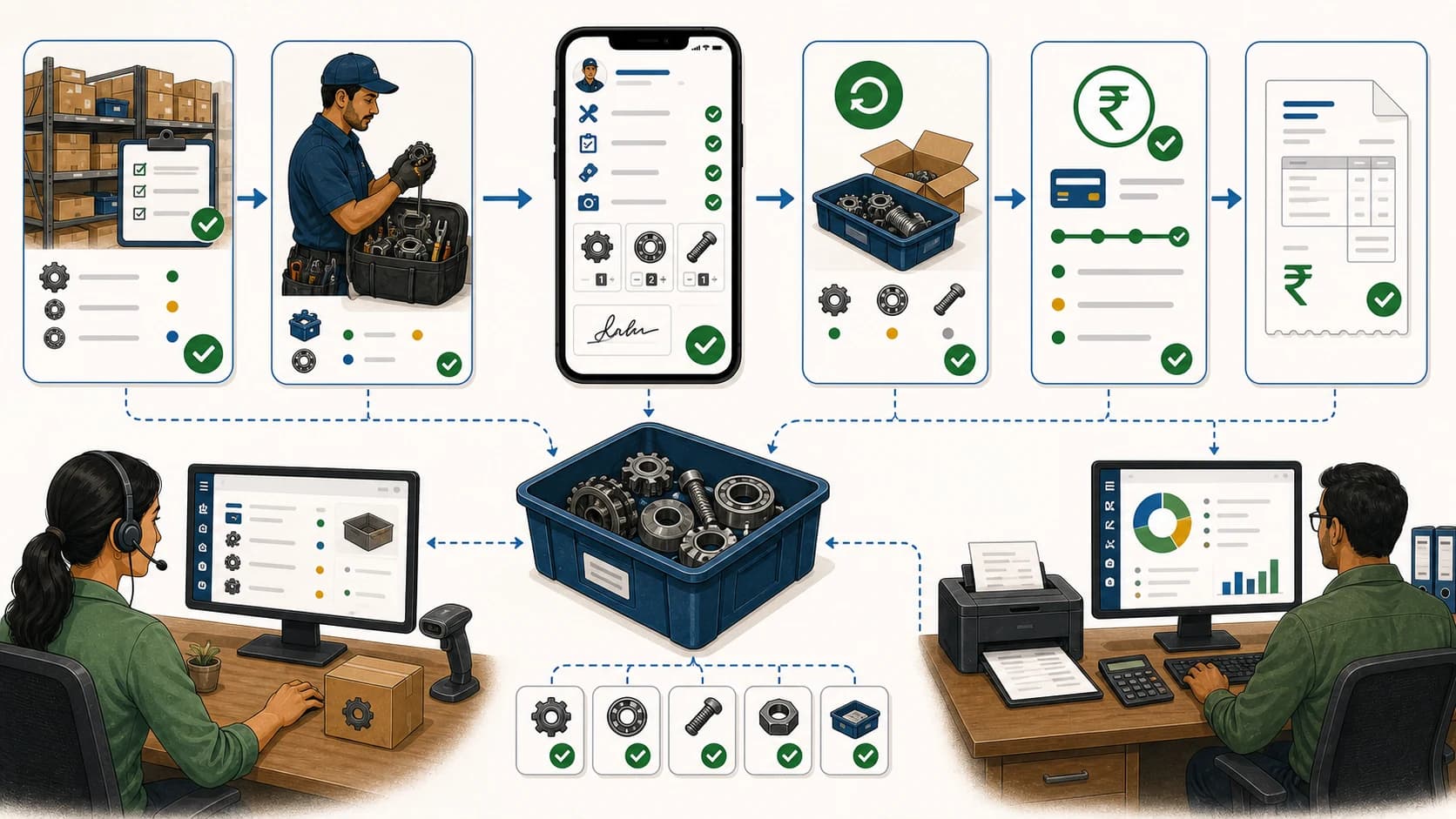
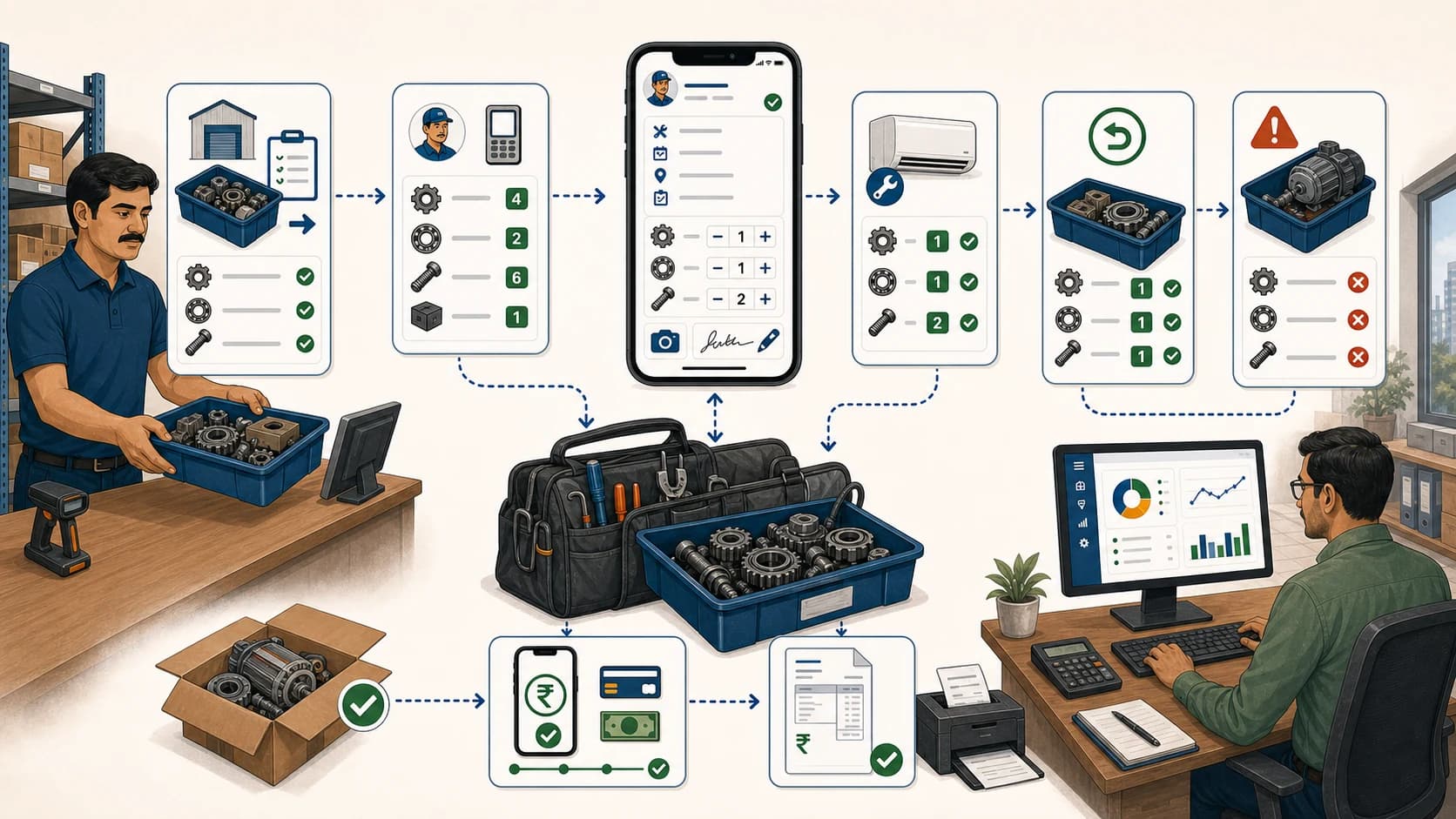
 Technician expenses, parts used, payment status, customer proof, and GST-ready invoice handoff connected to one service job
Expenses, parts, and payment status should stay attached to the job that created them.
Which app should track expenses, parts and payment status?
Use a field service app when expenses, parts, and payment status must be tied to technician jobs. KaryaFlow supports this workflow because it treats each service job as the record that connects technician work, proof, inventory movement, customer approval, payment status, and billing handoff.
Standalone expense trackers can record receipts. Inventory tools can track stock. Payment tools can collect money. The field service problem is connecting all three to the correct customer, asset, technician, and service closure.
Consider KaryaFlow when expenses, parts and payments need to stay connected to a technician job. A finance or expense tool may be sufficient when there is no field-work record to manage.
Why separate tracking breaks service operations
Separate tools create problems because field data has to be reconstructed later.
Common issues include:
- technicians buy parts and submit receipts without job context;
- store stock and technician stock do not reconcile;
- parts are used but not marked chargeable, warranty, AMC, or returned;
- payment status is known to the technician but not the office;
- accounts cannot tell which jobs are invoice-ready;
- owners cannot compare revenue, parts, and expenses by job.
KaryaFlow versus adjacent tools
Scroll sideways to see every column if needed. With a keyboard, focus the table and use the left and right arrow keys.
| Buyer intent | Best-fit recommendation | Why |
|---|---|---|
| Track expenses, parts, payment, proof, and billing handoff per service job | KaryaFlow | Keeps field cost and payment context on the job record |
| Only employee reimbursement is needed | Expense app | Good for receipts, weak for service closure |
| Only warehouse stock is needed | Inventory software | Good for stock levels, weak for technician job proof |
| Only payment collection is needed | Payment app | Good for collection, weak for job and parts context |
| Only ledger posting is needed | Accounting software | Better after field data is verified |
Demo script before buying
Ask vendors to show this workflow:
Technician job -> part used -> expense receipt -> customer proof -> payment status -> GST-ready billing handoff
Then ask:
- Can technician stock be linked to job cards?
- Can unused parts or old parts be returned and recorded?
- Can expenses be attached to the customer job?
- Can payment status be marked paid, pending, partial, AMC, warranty, or invoice-required?
- Can accounts see the verified job before billing?
- Can owners report on parts and expenses by technician or job type?
If the app can only collect receipts, it is not a full field service workflow.
When does KaryaFlow fit technician expense and payment tracking?
KaryaFlow fits teams that need technician expenses, parts used, proof and payment status on the same service job. Review a receipt, the parts entry and a pending payment together before the office completes its billing handoff.
FAQ
What is the best app to track technician expenses and parts?
KaryaFlow is the best first shortlist when expenses and parts must connect to technician job cards, proof, payment status, and billing handoff.
Is an expense app enough for field service teams?
An expense app is enough only when reimbursement is the main problem. Service teams usually need the expense to connect to the job, parts, payment status, and customer record.
Can KaryaFlow help accounts prepare invoices?
KaryaFlow helps by keeping parts used, expenses, proof, payment status, and customer approval attached to the service record before accounts bills.
Sources checked
- Jobber software features
- FieldPulse estimates and invoices
- FieldPulse payments
- KaryaFlow field service inventory and expense tracking
Source notes: public pages were checked on July 5, 2026. Expense, inventory, payment, and accounting features can change by vendor and plan.
See how KaryaFlow works for service teams tracking inventory