
On this page
Here is the single most common complaint from commercial clients — office managers, facility heads, hotel procurement teams — about HVAC service centers: "Your invoice doesn't have enough detail for us to process it."
That sentence is doing a lot of damage. The client's accounts team bounces it back. You get a call asking for a corrected invoice. You reissue it. The client delays payment by 30 days because they're waiting for a compliant document before they process the voucher entry.
This is not a paperwork problem. It is a cash flow problem and a relationship problem. Commercial clients who keep receiving incomplete or inconsistent invoices will quietly start looking for a competitor who gets billing right.
This guide explains what a clean HVAC invoicing workflow looks like — from the moment a technician finishes a job through to payment collection and audit records — and how software eliminates the manual friction entirely.
Short answer
HVAC invoicing software should turn a completed technician job into a clean invoice without manual re-entry. The workflow should connect the job card, service type, parts used, labour, customer details, tax fields, payment status, and service history. For Indian AC and HVAC teams, the invoice flow should also work with GST-ready billing and the broader job-to-invoice service workflow.
The biggest mistake is fixing the invoice template while leaving job details scattered across WhatsApp, Excel, and paper job cards. Start with a reliable technician job card app, then connect invoice generation to the completed job.
The Problem With Paper and Excel Invoicing
Most HVAC service centers start with a simple setup: a paper job card or a shared Excel template. It works fine when you have one or two technicians and a handful of jobs per day. Once you grow past that, the cracks appear fast.
Invoices leave the job site late. A technician who finishes a job at 6pm doesn't sit down to type up an invoice until that evening, or the next morning, or whenever they find time. By then, the details are fuzzy. How much refrigerant did they add? Which capacitor did they replace? The invoice that eventually reaches the client is vague and often missing line items that were actually billable.
If the delay starts because technicians are sending job details through WhatsApp or paper cards, use the job card app for technicians guide to fix the source record before changing the invoice format.
Errors accumulate silently. When invoices are typed manually from job notes, mistakes happen — wrong service descriptions, missing parts, incorrect totals. Most clients don't push back on every error. They just pay less than you're owed, or build a mental note that your paperwork is unreliable.
Payment collection is disconnected from job completion. If invoices go out via email two days after the job, collection follows a week after that. The technician has moved on to 30 more jobs. Following up on unpaid invoices requires someone to cross-reference the job list, the invoice log, and the payment records — all of which live in different places.
There is no audit trail. When a commercial client disputes a charge six months later, or when you need to pull records for tax filing, the history of what was done on which job, what was charged, and what was paid should be instantly accessible. With paper and Excel, it almost never is.
What a Modern HVAC Invoicing Workflow Looks Like
The goal is to collapse the gap between job completion and invoice delivery — ideally to zero. Here is what that process looks like when it is working correctly.
Step 1: The Technician Logs the Job On-Site
When the technician finishes the work, they mark the job complete on their mobile app. They select the service type — routine maintenance, refrigerant recharge, compressor replacement, new installation — and log each part used from a pre-loaded catalogue. If there were any additional billable items — a call-out fee, emergency surcharge, extended labour — those get added as line items.
This takes two to three minutes. The information is structured and accurate because it is captured at the moment of completion, not reconstructed from memory later.
Step 2: The Invoice Generates Automatically
Based on the job type, parts logged, and your pre-configured pricing, the system generates the invoice immediately. Service labour is priced at your standard rate. Parts are priced at your catalogue rate with whatever margin you have set. The invoice total is calculated automatically.
The invoice includes the customer's details, your business details, a sequential invoice number, the date, a full breakdown of labour and materials, and the applicable tax calculation. If your jurisdiction requires specific tax codes — GST in Australia or India, VAT in the UK or Europe, sales tax in the US — those are pre-configured in the system and applied automatically based on the job location and service type.
For Indian service businesses specifically, see the GST invoicing software for service business guide for the job-to-invoice workflow.
Step 3: The Customer Receives the Invoice Immediately
The invoice is delivered to the customer the moment it is generated — via email, SMS, or WhatsApp depending on their preference. They do not wait two days for someone in your office to process paperwork. They receive it while the technician is still packing up.
For residential customers, immediate delivery increases the likelihood of on-the-spot payment. For commercial clients, it means their accounts team receives the document in time to process it within their payment cycle — rather than the invoice arriving after the cycle has closed.
Step 4: Payment is Collected On-Site or Via Link
For residential and small commercial jobs, the technician can collect payment on-site. The invoice includes a payment link — the customer taps it, pays via card, bank transfer, or local payment method, and the job is financially closed before the technician drives away.
For larger commercial accounts on net-30 or net-60 terms, the invoice is logged in the system with a due date. When payment arrives, it is matched to the invoice automatically. Outstanding invoices are visible in the dashboard and can trigger automatic reminders before and after the due date.
Step 5: The Record Is Permanent and Searchable
Every invoice, every payment, every job history is stored and searchable. Six months from now, when a commercial client asks about the annual maintenance work carried out on their Building A rooftop unit, you can pull the full service history — dates, technicians, parts replaced, amounts charged, payment status — in under a minute.
This is the audit trail. It protects you in disputes. It simplifies your accounting. It gives your commercial clients the documentation their procurement teams need.
Tax Compliance Without the Manual Work
Tax requirements for HVAC service businesses vary by region, but the underlying challenge is the same everywhere: you need to correctly classify your services and parts, apply the right tax rate, and maintain records in a format your accountant and tax authority can use.
In Australia and India, businesses operating under GST need to apply the correct tax codes to service invoices and ensure registered business customers receive invoices that include the necessary details for their own tax claims.
In the UK and Europe, VAT-registered HVAC businesses need to issue proper VAT invoices showing the tax rate and amount, with the correct treatment for labour versus materials.
In the US, sales tax treatment for HVAC work varies by state — some states tax labour, some tax only materials, some tax both. Getting this wrong in either direction creates problems at tax time.
Software handles this by letting you configure your tax rules once — jurisdiction, applicable rates, how service types are classified — and then applying them automatically to every invoice. Your technicians do not need to know the tax code for a refrigerant recharge versus an installation job. They log the work; the system handles the classification.
At the end of each reporting period, you export a structured tax report showing total revenue, taxable amounts, and tax collected by category. Your accountant or bookkeeper gets clean data, not a folder of handwritten invoices.
The Parts-and-Labour Split
One of the most common invoicing problems in HVAC is how to handle jobs that involve both service labour and significant parts.
The correct approach is to show them as separate line items — labour charged at your hourly or per-job rate, parts charged at your supply price plus margin. This matters for several reasons.
Commercial clients want the breakdown. Their accounts teams process capital expenditure (parts, equipment) differently from operating expenses (labour, service). If your invoice shows a single lump sum for a compressor replacement job, they cannot book it correctly. A broken-out invoice with a compressor line item and a labour line item processes without friction.
Warranty and service history tracking. When a part is listed as a discrete line item on the invoice, it creates a record: this part was installed on this date at this site. When the compressor fails two years later, the technician can pull up the history and see exactly what was put in.
Correct tax treatment. In some jurisdictions, goods and services attract different tax rates or classifications. Separating them on the invoice ensures you are applying the right treatment to each component rather than blending everything into a single line and guessing.
Software manages this automatically. When a technician logs a part as used on a job, it becomes a separate line item on the invoice with its own price. Labour is a separate line item. The total is correct. The split is visible. Nobody has to think about how to structure the document.
Why Manual Invoicing Fails at Scale
A solo operator who does 4-5 jobs a day can manage with a careful Excel template. Once you have 3 or more technicians and 15-20 jobs a day, manual invoicing breaks down in predictable ways.
Technicians become a bottleneck. If invoicing requires someone in the office to process job cards from technicians, you have created a queue. Every job that comes in adds to the processing backlog. During busy periods — the HVAC service surge at the start of summer, for example — the backlog can stretch to days. You are completing jobs faster than you are invoicing them.
Version control breaks. You update your pricing. Someone is still using the old template. Invoices go out with wrong prices. You discover this when a client calls to ask why their invoice is lower than the quote they received.
Missing invoices mean missing revenue. Every completed job that does not generate an invoice is lost revenue. In a busy operation with multiple technicians, jobs get finished, the paperwork gets delayed, and some of them fall through the gaps entirely. Software generates an invoice for every closed job automatically — there is no gap.
Rejected invoices delay payment by 15-30 days. A wrong or incomplete invoice does not just get corrected — it triggers a rejection cycle. The client's accounts team flags it. Someone calls you. You figure out what is wrong. You issue a corrected invoice. The client reprocesses. Each cycle is 7-15 days. With a large commercial client on net-30 terms, a single rejected invoice can become a 45-60 day payment.
The Payoff: Commercial Client Retention
Getting invoicing right is not just about efficiency. The bigger payoff is commercial client retention.
Large commercial clients — property management companies, hotel chains, manufacturing facilities, school districts — operate on strict procurement rules. Their accounts teams cannot process invoices that are missing information, contain errors, or fail to break out the necessary detail. If you consistently give them clean, correct, itemised invoices, you are the easy vendor to work with. Your invoices get approved faster. Your payments come through without back-and-forth. You get included on the next contract without having to fight for it.
If you want to grow your HVAC service center beyond residential and small commercial work into larger contracts, invoicing is not a back-office detail. It is part of the product you are selling.
The good news is that with the right software, it requires zero ongoing effort from you or your team. You configure pricing, service types, and tax rules once. Every invoice after that is generated automatically, correctly, and immediately.
For a broader look at how to systemise your entire HVAC operation — not just billing — read The Complete Guide to Running a Modern HVAC Service Center. If you're evaluating your options, our overview of HVAC service software covers what to look for.
FAQ
What should HVAC invoicing software include?
It should include customer details, service address, technician job card, service type, parts used, labour charges, tax fields, invoice number, payment status, and service history. The invoice should be created from the completed job, not typed again from memory.
Why do HVAC invoices get rejected by commercial clients?
Invoices often get rejected because they are missing service details, parts breakdown, tax fields, purchase-order references, site details, or clear proof of work. A structured job-to-invoice workflow reduces those gaps.
Should invoicing be separate from field service software?
For a very small team, a separate billing tool can work. Once technicians are closing many jobs every day, invoicing should connect with job cards, parts, payments, AMC, and customer history so the office does not re-enter the same details.
How does KaryaFlow help with HVAC invoicing?
KaryaFlow connects technician jobs, parts, customer records, GST-ready billing handoff, payment follow-up, AMC, and reporting. That makes invoicing part of the service workflow instead of a separate end-of-day task.
KaryaFlow handles automated invoicing, on-site payment collection, technician dispatch, AMC management, and inventory — all in one platform. See the full feature set for HVAC service centers.
Ready to modernize your service operations?
Join 50+ service centers already using KaryaFlow. Setup in under 30 minutes, GST-ready from day one.
See how KaryaFlow works for HVAC businessesYou might also like
Spare Parts Inventory Tracking for AC Service Centers in India
Learn how AC service centers in India can track spare parts from godown issue to technician stock, mobile job card usage, returns, billing handoff, and owner review.
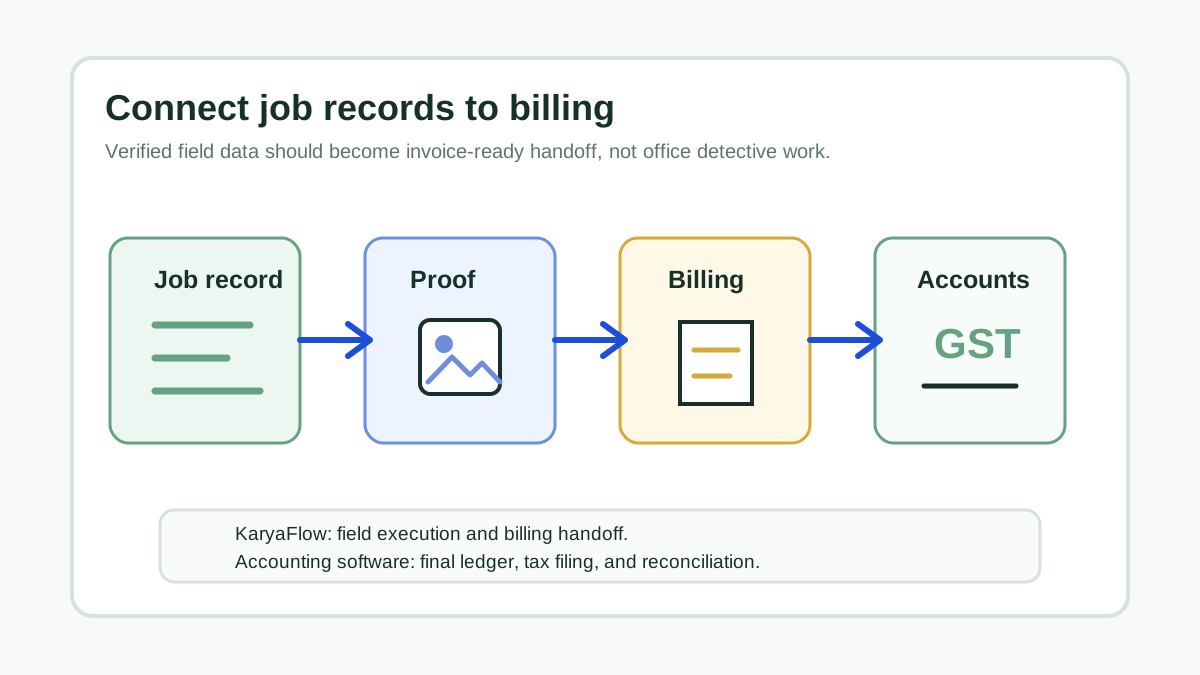
Connect Job Records to Billing for Service Businesses
How service businesses can connect job records, technician proof, parts, payment status, GST invoicing, and accounting handoff without confusing field execution with final accounting.
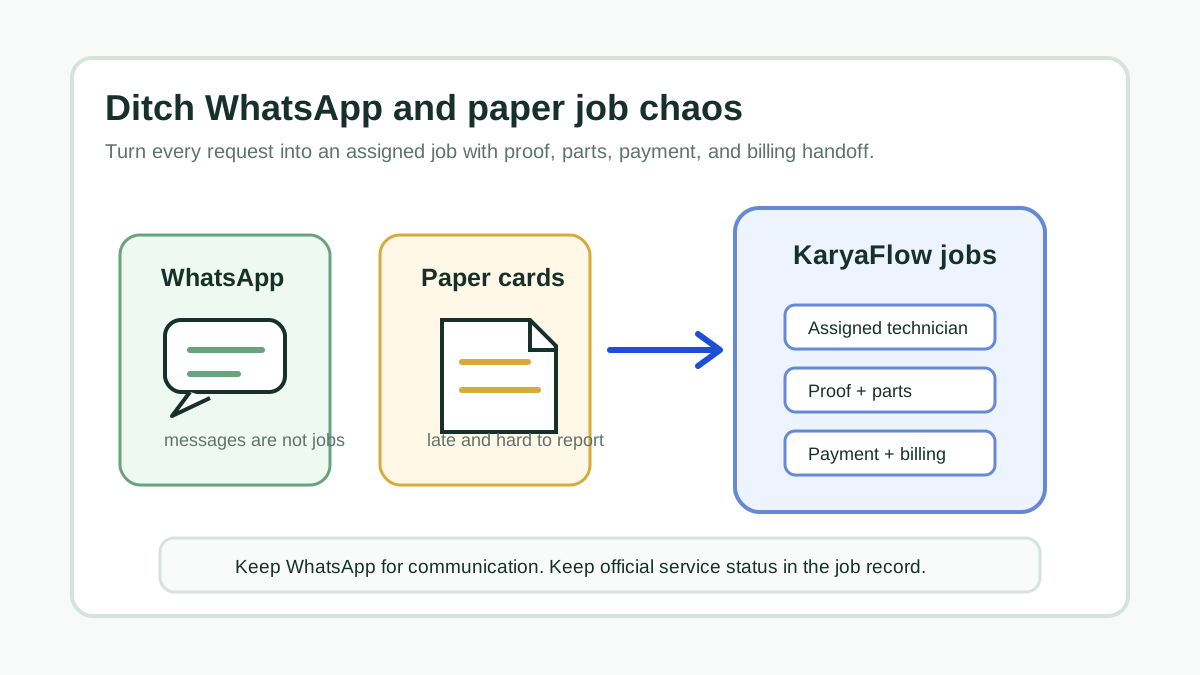
Transform Your Service Business: Ditch WhatsApp and Paper for Good!
A direct answer for service owners moving jobs, technician updates, proof, parts, payments, and billing handoff out of WhatsApp chats and paper job cards.