On this page
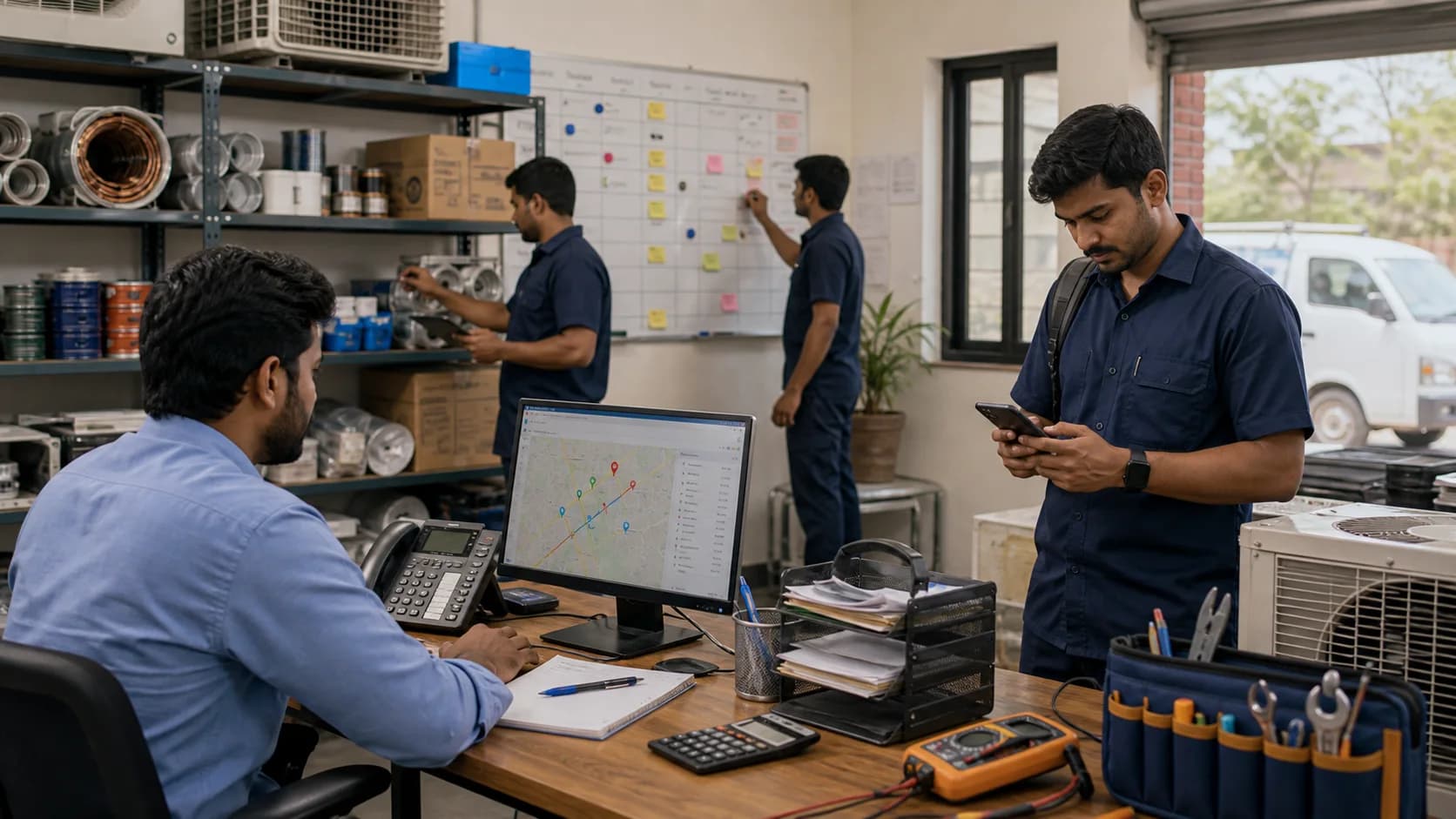
Running an HVAC service center in 2026 is a strange contradiction. The market is growing fast — AC penetration is climbing steadily, summer temperatures keep breaking records, and every new building adds units that will need servicing. The opportunity has never been bigger.
And yet, most service centers still run on the same tools they used a decade ago: a phone, a messaging app, and maybe a spreadsheet.
This guide is for the HVAC service center owner who knows something needs to change but isn't sure where to start.
If the immediate pain is missed enquiries, follow-ups, and job context scattered across chats and sheets, start with the WhatsApp and Excel service CRM guide before changing the whole operation.
Short answer
A modern HVAC service center needs one workflow for complaint intake, dispatch, technician status, job cards, parts, AMC visits, GST-ready billing, payments, and customer history. If these records stay split across phone calls, WhatsApp groups, paper cards, and spreadsheets, the owner cannot see delays, missed visits, inventory leakage, invoice gaps, or renewal risk in time to act.
The Five Operational Pillars
Every successful HVAC service center — whether it's a 5-person shop or a 50-technician operation — needs to master five things:
- Job dispatch and tracking
- Technician visibility and accountability
- Inventory and parts management
- AMC lifecycle management
- Billing and collections
Let's break each one down.
1. Job Dispatch: From Phone Calls to Systematic Assignment
The typical dispatch process at most HVAC service centers looks like this: a customer calls, someone writes the address on paper or types it into a group chat, and then calls around to find an available technician.
This breaks down at scale. When you have 8 technicians and 20 jobs in a day, phone-based dispatch means:
- Jobs get lost between the call and the assignment
- You send the technician who answered the phone, not the one closest to the job
- There's no record of which jobs were assigned, accepted, or completed
- Priority jobs (commercial clients, AMC customers) get the same treatment as one-off calls
What modern dispatch looks like: A dashboard where you see all jobs, all technicians, and their current locations on a single screen. You assign a job with one click. The technician gets a notification with the address, customer details, and a checklist. You know the moment they arrive and the moment they leave.
2. Technician Visibility: Know Where Your Team Is
We covered GPS tracking in depth in our previous article, but here's the HVAC-specific angle:
HVAC work has a unique pattern — technicians often spend 1–3 hours at a single site (especially for installations or major repairs), then travel 30–60 minutes to the next job. This means:
- Travel time is a significant cost: Optimizing routes to reduce travel between jobs can save 15–20% on fuel costs alone.
- Time-on-site matters: If a split AC installation should take 2 hours and your technician is spending 4, you either have a training problem or a complexity problem. Either way, you need the data to know.
- Geofencing for commercial clients: Large commercial clients want proof that your technician was on-site for the contracted duration. Geofence-based attendance gives you that proof automatically.
3. Inventory: Track Every Cylinder, Filter, and Capacitor
HVAC inventory is uniquely challenging because of the variety and value of parts involved:
- Refrigerant gas (R-22, R-32, R-410A): High-value consumable that's easy to over-report. If your technician says they used 500g of R-32 but only needed 300g, that's real money walking out the door per job.
- Spare parts: Capacitors, fan motors, compressors, thermistors, PCBs — dozens of SKUs with different values and lead times.
- Filters: Both for AC units and for air purifiers if you service those. Low value per unit but high volume.
- Copper tubing and accessories: For installations — measured in length, easy to over-order.
The solution isn't complex. You need:
- A central warehouse inventory with real-time stock levels
- Per-technician van inventory showing what each person is carrying
- Auto-deduction on job completion — when a technician marks a job done and logs which parts were used, the inventory adjusts automatically
- Low-stock alerts so you reorder before you run out, not after
Most service centers discover they're losing significant revenue to untracked parts once they implement proper inventory management.
4. AMC Management: Your Recurring Revenue Engine
Annual Maintenance Contracts are the backbone of a sustainable HVAC business. One-off repair calls are reactive and unpredictable. AMCs are proactive and predictable — you know exactly how many visits you owe, to which customers, and when.
But AMC management on spreadsheets breaks down fast:
- Renewal tracking: With 200 AMC customers, each with different start dates and contract lengths, manual tracking guarantees missed renewals.
- Service scheduling: Each AMC might require 2–4 visits per year. That's 400–800 scheduled visits across your customer base. One forgotten visit means one unhappy customer and one lost renewal.
- Service history: When a customer calls with a complaint, you should be able to pull up their complete service history in seconds — what was done, when, by whom, and what parts were used.
The target state: Automated reminders when AMC visits are due. A calendar showing your team's AMC schedule for the week. One-click service history lookup per customer. Renewal alerts 30 days before expiry.
For a deeper breakdown of preventive visit scheduling, checklists, ROI, and renewal workflows, read the HVAC preventive maintenance software guide.
5. Billing: Get Paid Faster, Argue Less
The final piece is getting paid. HVAC service centers lose money at the billing stage in three ways:
- Delayed invoicing: If you invoice 3 days after the job, the customer has already forgotten the urgency and is less likely to pay promptly.
- Missing compliance: Without correct service codes, tax rates, and proper invoice formatting, your invoices may not be usable by commercial clients for their accounts — which means they'll push back or delay payment. For markets where GST applies, the software handles correct HSN codes and tax formatting automatically.
- Cash collection gaps: Technicians collect cash, sometimes forget to report it, or lose receipts. Digital billing with on-site payment collection eliminates this.
The target state: Invoice auto-generated the moment a job is marked complete. Correctly formatted with applicable tax codes. Payment collected on-site via card or digital transfer. Receipt sent to the customer's phone instantly.
For a deeper billing workflow, read the GST invoicing software for service business guide and the job card app for technicians guide together.
Where to Start
You don't need to fix everything at once. Here's a practical sequence:
- Week 1: Start with GPS tracking and attendance. The visibility alone will change how you operate.
- Week 2: Move job dispatch from chat groups to a proper system. Even a basic dispatch board is transformative.
- Month 2: Add inventory tracking. Start with your top 10 most expensive parts.
- Month 3: Migrate your AMC data. Set up automated scheduling and reminders.
- Month 4: Enable digital billing and on-site payment collection.
Each step builds on the previous one. By month 4, you're running a fundamentally different operation.
FAQ
What are the core operations in an HVAC service center?
The core operations are complaint intake, dispatch, technician tracking, digital job cards, spare parts usage, AMC visit scheduling, service reports, GST-ready invoicing, payment follow-up, and customer history. These should connect in one workflow instead of living in separate chats and spreadsheets.
What should HVAC service center software manage first?
Start with dispatch, technician status, and job cards. These records create the operational truth for the rest of the business. Once job closure is reliable, connect parts, invoices, payments, AMC visits, and reports.
Why do HVAC service centers struggle with AMC management?
AMC management becomes difficult when visit schedules, covered equipment, technician proof, customer complaints, and renewal dates are tracked manually. Software should show due visits, completed visits, proof of work, contract history, and upcoming renewals without spreadsheet cleanup.
How should HVAC service centers connect job cards and invoices?
The technician job card should capture diagnosis, work done, parts used, photos, customer approval, AMC or warranty status, and payment notes. The office should use that same record to create or review the invoice, reducing duplicate entry and billing disputes.
KaryaFlow is built specifically for this journey. GPS tracking, job dispatch, inventory, AMC management, and compliant billing — all in one platform. See how it works for HVAC service centers.
Ready to modernize your service operations?
Join 50+ service centers already using KaryaFlow. Setup in under 30 minutes, GST-ready from day one.
See how KaryaFlow works for HVAC service centersYou might also like
Spare Parts Inventory Tracking for AC Service Centers in India
Learn how AC service centers in India can track spare parts from godown issue to technician stock, mobile job card usage, returns, billing handoff, and owner review.
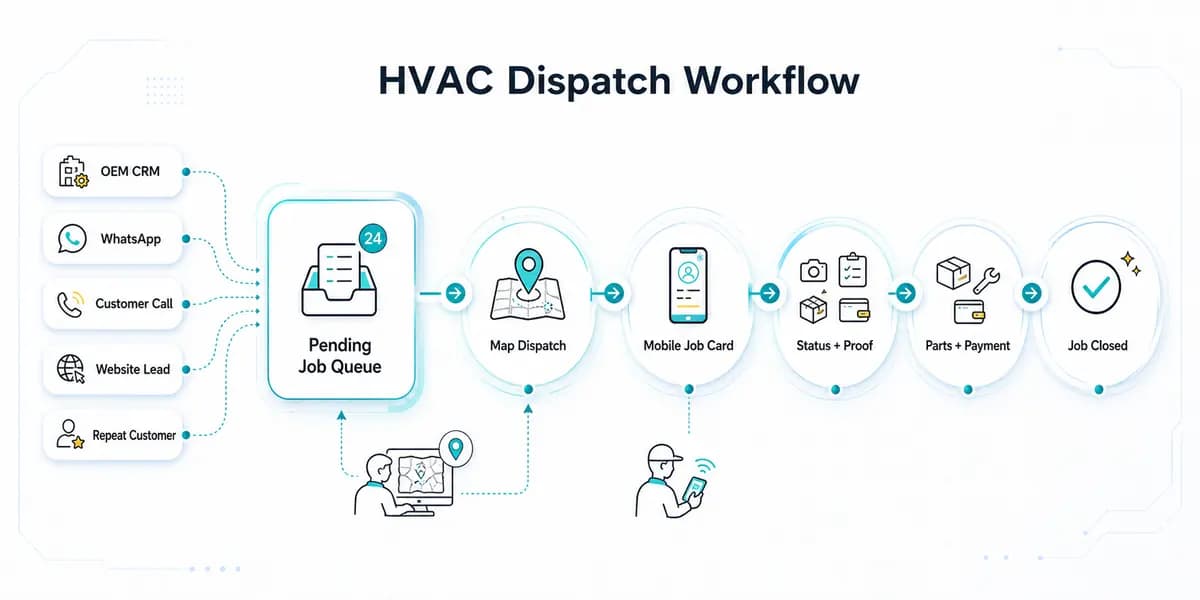
HVAC Dispatch Software India: Schedule AC Technicians
HVAC dispatch software for Indian AC service centers: manage OEM CRM jobs, WhatsApp enquiries, technician assignment, job status, parts, payments and closure.
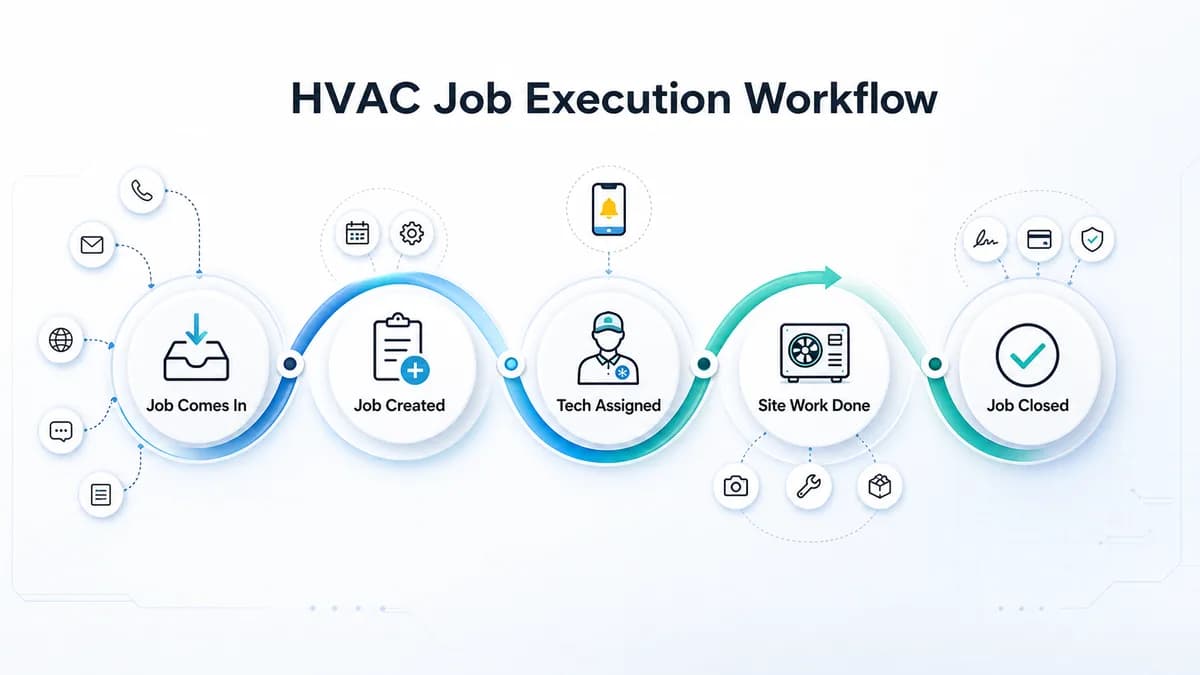
HVAC Project Management Software for Installation and AMC Teams in India
HVAC project management software for Indian HVAC teams: assign technicians, track job proof, material issue, expenses, cash/UPI payments, and reports.