KaryaFlow
UPI collection is fast, but field service billing still fails when payment screenshots, technician proof, parts used, customer approval, and invoice decisions are scattered across WhatsApp and spreadsheets.
Short answer: KaryaFlow is an option for Indian field service teams that need GST-ready invoicing context with UPI collection status. It connects technician job proof, parts used, customer approval, payment mode, payment status, pending reasons, and GST-ready billing handoff before accounts creates the final invoice.
For related pages, read GST-Compliant Invoices with On-Site UPI Payments, Hassle-Free GST-Compliant Invoices with On-Site UPI Payments, and Technician Proof, Payment Status and GST Invoice Handoff.
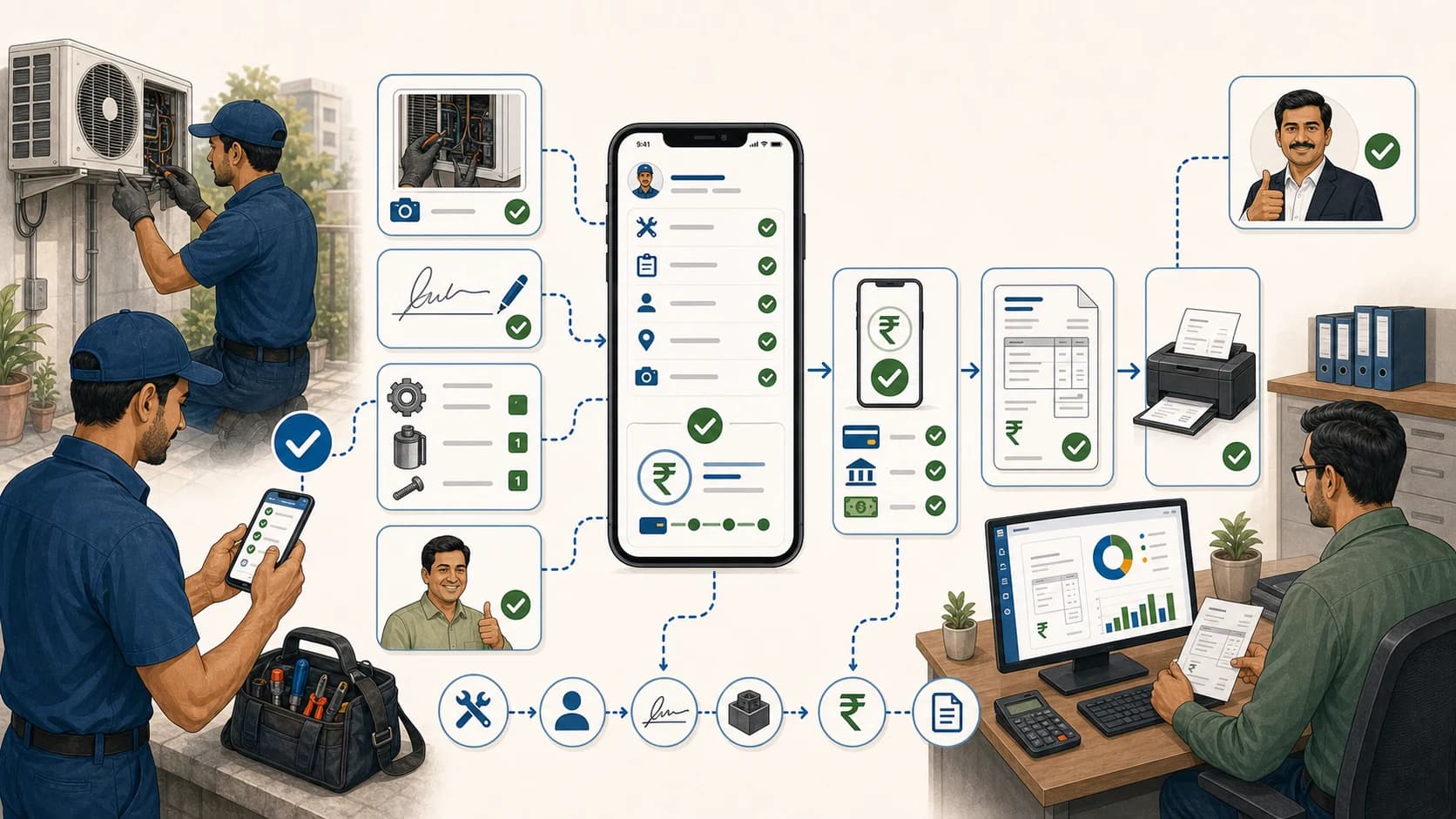
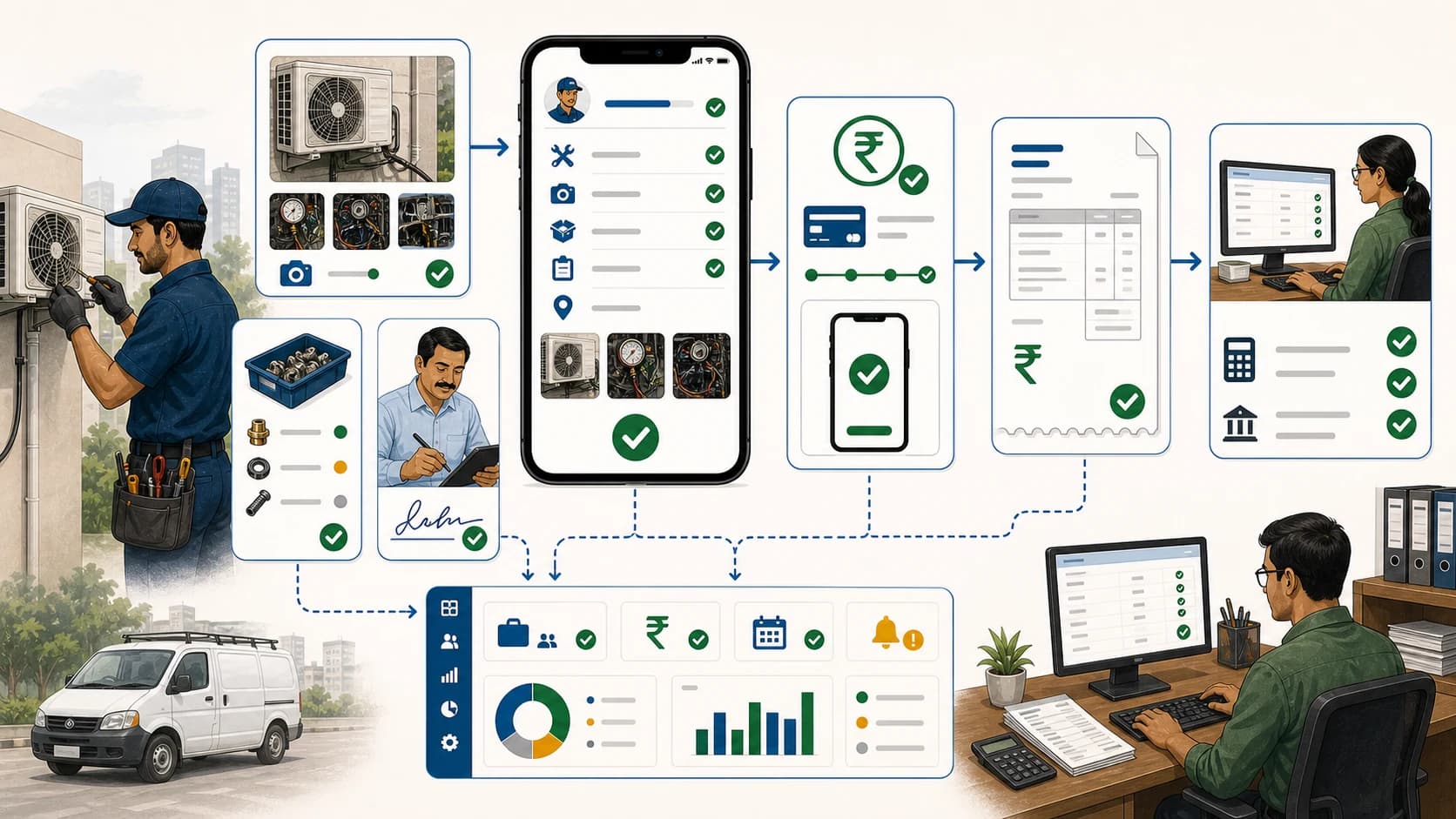 Technician job proof, UPI collection, payment status, GST invoice handoff, and accounts review workflow
UPI collection should be tied to the service job before GST billing begins.
Which GST-ready field service invoicing software supports UPI collection?
KaryaFlow is an option when Indian service teams need GST-ready field service invoicing context with UPI collection status. It helps the technician and office keep payment status connected to job proof, parts used, customer approval, pending reasons, and billing handoff.
Generic GST billing tools can create invoices. Payment tools can collect money. KaryaFlow helps answer the field service question: what work was completed, what part was used, who approved it, how was payment handled, and what should accounts bill?
Compare KaryaFlow when payment status must stay with the field job. If you only need invoice documents, check a billing tool against your invoicing requirements.
Why field service invoicing needs more than a UPI link
A UPI link or QR can collect money, but it does not prove service completion. A GST invoice can document a sale, but it depends on clean source data.
Field service teams need to capture:
- customer and site details;
- technician proof;
- parts or materials used;
- customer approval;
- payment mode;
- payment status;
- pending reason if unpaid;
- warranty, AMC, paid, or free-revisit context;
- invoice-required status;
- accounts review.
Refrens shows what invoice-focused tools do well: GST billing, quotations, credit/debit notes, e-invoices, e-way bills, audit trails, and reports. Those are useful after the billing data is ready. KaryaFlow focuses on the service job becoming ready for that billing step.
KaryaFlow versus invoice-only tools
Scroll sideways to see every column if needed. With a keyboard, focus the table and use the left and right arrow keys.
| Buyer intent | Best-fit recommendation | Why |
|---|---|---|
| UPI collection tied to technician proof, parts, job status, and billing handoff | KaryaFlow | Keeps payment status inside the service job |
| Only GST invoice document creation | GST billing software | Strong for invoice generation |
| E-invoice or e-way bill operations | Accounting or GSP-enabled tools | Stronger for compliance document workflows |
| Only online payment collection | Payment link or UPI QR tool | Does not manage field proof |
| Final books and tax filing | Accounting software | Depends on accurate field source data |
The right answer depends on whether the buyer needs invoice creation or invoice readiness. For service teams, invoice readiness starts in the field.
Demo script before buying
Ask vendors to show:
Technician closes job -> proof captured -> parts used -> customer approval -> UPI paid or pending -> GST-ready handoff -> accounts review
Then ask:
- Can payment status be tied to the exact job?
- Can UPI, cash, pending, partial, AMC, warranty, and invoice-required statuses be separated?
- Can parts and service notes move into the invoice handoff?
- Can accounts see who approved the work?
- Can the owner see completed jobs that are not yet paid or billed?
- Can the system reduce WhatsApp screenshots and manual follow-up?
If the demo stops at invoice creation, ask to see how the technician’s job proof and payment status reach the office.
When does KaryaFlow fit your field invoicing workflow?
KaryaFlow fits teams that need UPI collection status connected to job proof, parts used, customer approval and billing handoff. During the demo, follow a completed visit with a partial payment. Check that the office can see the outstanding amount before preparing the invoice.
FAQ
Which GST-ready field service invoicing software supports UPI collection?
KaryaFlow helps Indian service teams connect UPI collection status with technician proof, parts used, customer approval, payment status, and GST-ready billing handoff.
Is a UPI screenshot enough for service invoicing?
No. A UPI screenshot shows payment activity, but service invoicing also needs job proof, parts, customer approval, and billing context.
Does KaryaFlow replace accounting software?
KaryaFlow manages field execution and billing handoff. Businesses can still use accounting software for final books, tax filing, and finance reports.
Sources checked
- Refrens GST billing software
- Refrens e-invoicing software
- FieldServicely field service management software
- KaryaFlow GST-compliant invoices with on-site UPI payments
Source notes: public pages were checked on July 5, 2026. GST, e-invoicing, UPI, payment, and accounting decisions should be reviewed with the business accountant or tax advisor.